


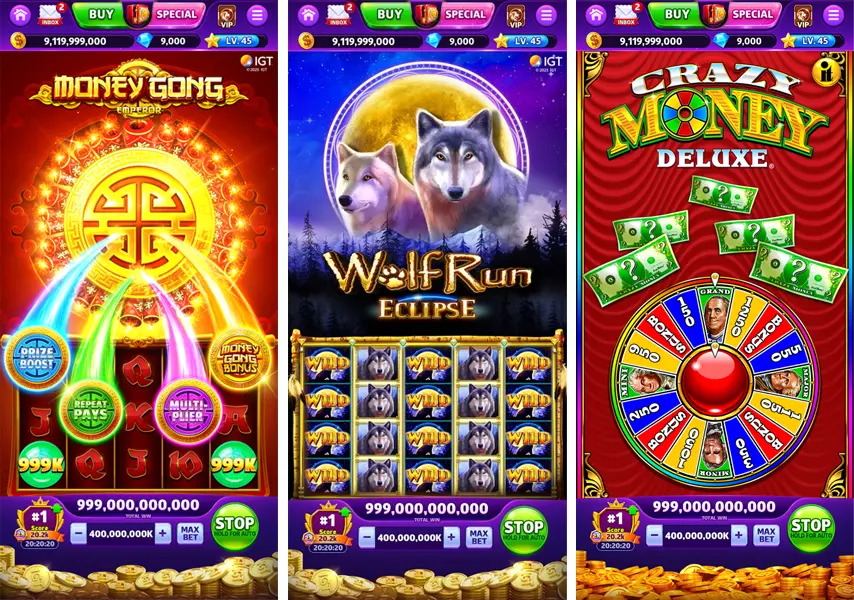

Cash Rally is built first and foremost as a phone-and-tablet experience, so the app matters more than any desktop workaround. What players usually want to know is simple: does it install cleanly, does it run smoothly, and will it quietly eat storage over time? After reviewing how social casino apps behave in day-to-day use, I’d say those are exactly the right questions here. Cash Rally is easy to start, but there are a few practical details around device compatibility, account sync, cached slot files, and update habits that are worth knowing before you tap install.
Download and installation: Android and iOS steps
Getting the Cash Rally mobile app onto your device is straightforward, and for most users the whole process is handled by the official app store with no manual file management.
On Android, search Google Play Store for “Cash Rally - Slots Casino Game”. The listed requirement is Android 5.0 or higher. Tap Install, wait for the base package to finish, then open the app and let it pull any extra game data it needs.
On iOS, search the Apple App Store for the same game title. It is compatible with iPhone, iPad, and iPod touch running iOS 12.0 or newer. Tap Get, confirm through Face ID, Touch ID, or password, and the rest is automatic.
A practical point many players miss: the first install is only part of the setup. Once you enter the game, additional slot assets may download in the background as you browse or open specific machines for the first time.
| Platform | Where to download | Minimum version | Notes |
|---|---|---|---|
| Android | Google Play Store | Android 5.0+ | Search “Cash Rally - Slots Casino Game” and install normally |
| iPhone / iPad / iPod touch | Apple App Store | iOS 12.0+ | Tap Get and allow the app to finish background asset downloads |
If you want to keep your progress safe across devices, register through Facebook instead of staying on a guest profile. That link matters much more than people expect. It is the easiest way to carry the same account between phone and tablet, and it also helps avoid progress loss if the app is removed later.
One thing I always tell readers: don’t judge a social casino app by the first 30 seconds after install. Cash Rally may look fully installed, but it still fetches slot artwork and event content after launch. If your connection is weak during that first session, the app can feel slower than it really is.
For gameplay basics after setup, the guide on gameplay tips for new players is the logical next step.
App size, permissions and performance
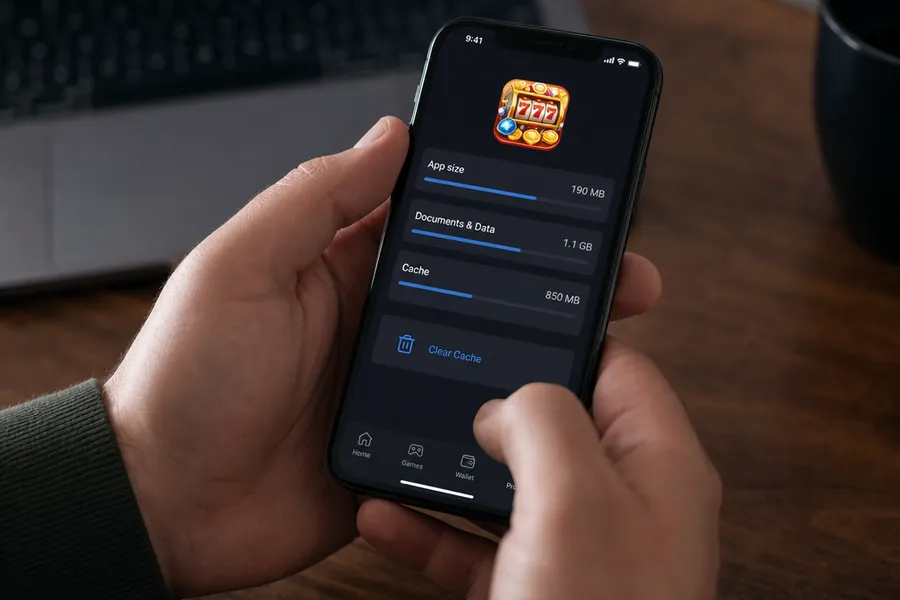
Cash Rally starts with a moderate install size, but its real footprint grows over time. The initial download is roughly 150–200 MB, which is manageable on most devices. The catch is that the app caches slot graphics, animations, and event assets as you play, so total storage use can climb to 1 GB or more with regular use.
That growth is normal for content-heavy slot apps. The game avoids making every player download every asset upfront, which keeps installation easier, but the trade-off is a steadily larger cache.
In permission terms, the app is fairly standard. It needs internet access and uses storage for cached game files. Importantly, it does not need access to your contacts or camera for ordinary use, which is a positive sign from a privacy and scope perspective.
Performance is generally strong. Reel animations run at a high frame rate, transitions are smooth, and the app is better optimized for mid-range and budget devices than some flashy competitors that overload older phones. That does not mean every cheap handset will be perfect, but the app is clearly designed to stay playable without flagship hardware.
| Area | What to expect | What it means in practice |
|---|---|---|
| Initial size | About 150–200 MB | Quick enough to install on average home or mobile internet |
| Long-term storage | Can grow past 1 GB | Cached slots and event files build up over time |
| Permissions | Internet and storage | Needed for online play and saving graphics locally |
| Animation | High FPS, smooth reels | Less stutter during spins and menu transitions |
| Device range | Well optimized for budget phones | Good fit for players not using premium hardware |
A common mistake is leaving only a few hundred megabytes free and assuming the app should still behave normally. In practice, social casino apps with expanding asset libraries want breathing room. I’d keep at least 1 GB free if you want stable updates, smoother loading, and fewer corrupted cache issues.
From a QA perspective, low-storage phones often create “mystery bugs” that are not really bugs at all. Missing textures, endless loading circles, or sudden app closures often come down to cramped storage and partial downloads. Clearing space usually fixes more than people think.
User interface and navigation
Cash Rally’s interface is built to get players into a slot quickly rather than burying everything under layered menus. The main lobby uses an intuitive horizontal scroll to display available machines, which feels natural on a touchscreen and makes browsing faster than clunky category grids.
The top bar carries the information you check most often: your current coin balance, player level, and gem total. That layout is practical because your key progression data stays visible without opening a profile screen.
The bottom bar handles fast-access functions. This is where you’ll typically jump into Missions, the in-game Shop, and social features like Clubs. It is a smart arrangement because these tools are used often and benefit from thumb-level placement.
What I like here is that the app does not overcomplicate basic movement. You can browse slots, check currencies, and open event or store pages with minimal friction. For a social casino title with lots of rotating content, that matters.
What the layout gets right
Several interface choices make the app easier to use during short mobile sessions:
- Horizontal lobby browsing feels quick and natural on phones
- Persistent balance display helps you track coins and gems without extra taps
- Bottom navigation keeps the most-used sections within thumb reach
- Visual hierarchy is clear enough that new players rarely get lost
There is one mild downside: as more slots and time-limited events are added, the lobby can start to feel busy. That is common in live-service slot apps. It is not a deal-breaker, but it can make the home screen look more crowded after major event periods.
If you are focusing on reward collection, the separate guide on ways to collect free coins goes deeper into how the missions, rewards, and timed claims usually fit together.
In-app economy overview
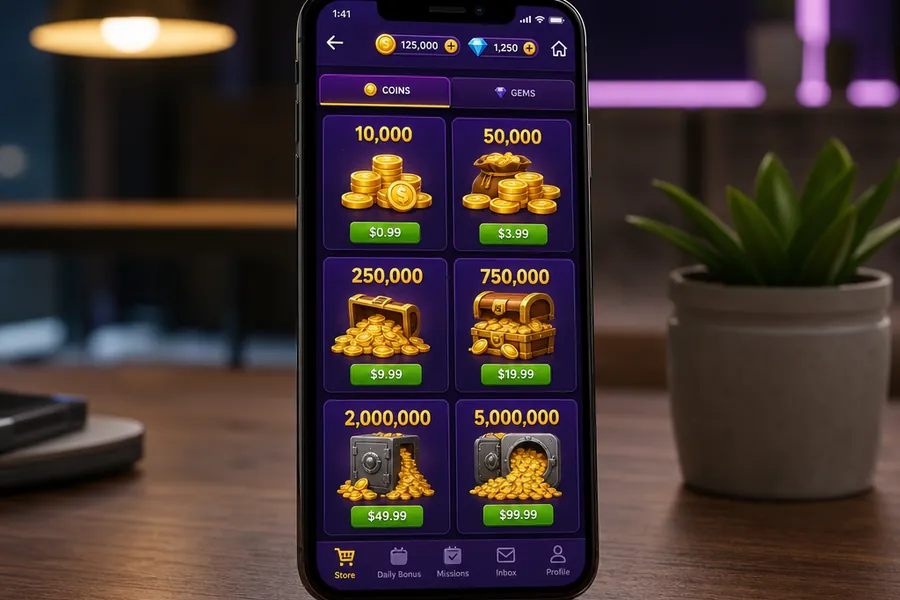
Cash Rally runs on a free-to-play model. You can access the content without paying, and progression revolves around collecting and spending in-game currencies rather than unlocking the app itself. In plain terms, the economy is designed so that players can keep playing for free, but paid top-ups are always available if someone wants more coins or faster access to premium-feeling features.
The in-app shop sells coin packs and gem packs through standard Google Play or Apple payment systems. That part is typical for the category. The important line, though, is the one many users skip: in-app currency has no monetary value and cannot be traded between players.
That means coins and gems are part of the entertainment loop, not a redeemable balance. They are used to spin, enter events, and interact with the game’s progression systems, but they are not cash equivalents.
I always recommend treating social casino purchases like entertainment spending, not “investment” spending. Once players start thinking a coin bundle should somehow pay them back, frustration usually follows. Cash Rally’s currency is for play value only, and the app is much easier to enjoy when you keep that boundary clear.
A useful way to look at the economy is this:
- Coins are the main play currency for spins and routine activity
- Gems are the scarcer premium-style currency tied to certain upgrades or faster access paths
- Store packs speed things up, but are not required to access the game
- Free progression still exists through login rewards, missions, and event participation
If you need the legal and practical distinction between social coins and cash gambling spelled out clearly, read social casino rules explained.
Safety, updates and troubleshooting: Technical support
Cash Rally is updated frequently, with new builds or content refreshes typically arriving every 1–2 weeks. Those updates often include new slots, seasonal events, balance adjustments, and bug fixes. Frequent updates are good for content freshness, but they also mean the app benefits from healthy storage space and a stable connection.
When problems do appear, they are usually fairly predictable. The most common one is incomplete or broken graphic loading after an update or during first-time slot downloads. In many cases, clearing the app cache is the first sensible fix, especially on Android.
Practical troubleshooting checklist
Before assuming the game itself is broken, work through these basics:
- Make sure you have at least 1 GB of free space
- Check that your Wi-Fi or mobile data is stable
- Restart the app fully rather than just switching back to it
- Install the latest version from Google Play or the App Store
- Clear cached data if graphics refuse to load properly
- Reconnect your account if sync behaviour looks inconsistent
For support, the app includes an in-app ticket system, which is usually the fastest route for account-specific issues. Players can also reach out through the official SpinX Games page if they need broader assistance or cannot access the game menu.
One caution: if you are using a Guest account and then uninstall the app during troubleshooting, you may lose progress permanently. That is why account linking should happen early, not after a problem starts.
FAQ: Mobile app setup and compatibility
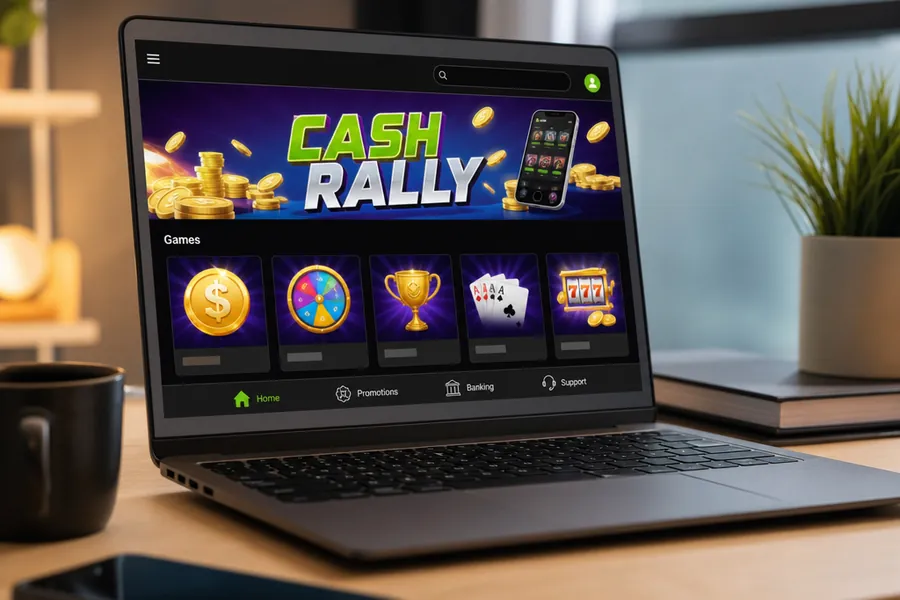
These are the questions that come up most often when players try to install Cash Rally, move between devices, or deal with basic app issues. Most of the answers are simple, but a couple of them can save you a lot of frustration.
Is Cash Rally available for Windows PC?
Officially, players may find access through the Microsoft Store where available, and some also run the game through Android emulators such as BlueStacks or LDPlayer. That said, Cash Rally is primarily designed as a mobile app, so phones and tablets remain the smoother and more reliable option.
Can I play on multiple devices?
Yes, if your account is linked through Facebook. In that case, progress can sync between devices such as a phone and tablet. If you stay on a guest account, shared progress is not something you should count on.
Why won’t the app open?
First check storage and connection quality. Cash Rally should have at least about 1 GB of free space available, especially after updates and extra slot downloads. A weak Wi-Fi connection can also stop the app from loading assets correctly during startup.
Are there ads in the app?
There are in-app promotional offers for coin and gem packages, but heavy third-party video advertising appears limited. In practice, the app behaves more like a live-service game store than a free app overloaded with outside ad interruptions.
How do I update the game?
Use the standard update flow in Google Play or the Apple App Store. Open the store, check your available updates, and install the newest version there. If automatic updates are disabled on your device, you may need to do this manually.
What is the “Guest” account?
A Guest account lets you play without linking your data to a social login. It is convenient for testing the game quickly, but it carries real risk: if you remove the app, switch devices, or run into a data problem, your progress may be lost.
Does the app consume a lot of data?
It can when you open new slots for the first time, because the game downloads extra assets as needed. Routine play is lighter, but first-time loading on unfamiliar machines is best done over Wi-Fi if you want to avoid unnecessary mobile data use.